Sur-Ron Light Bee X Graphics Kit
Try a design on the Light Bee X, then make it yours with AI, your logos and your race number.
Sur-Ron Light Bee X Graphics Designs
6 kits to start from on the Light Bee X. Pick one above to preview it, then recolor it, add your number or make it your own Light Bee X graphics.


Sur-Ron Dirt Bike Graphics
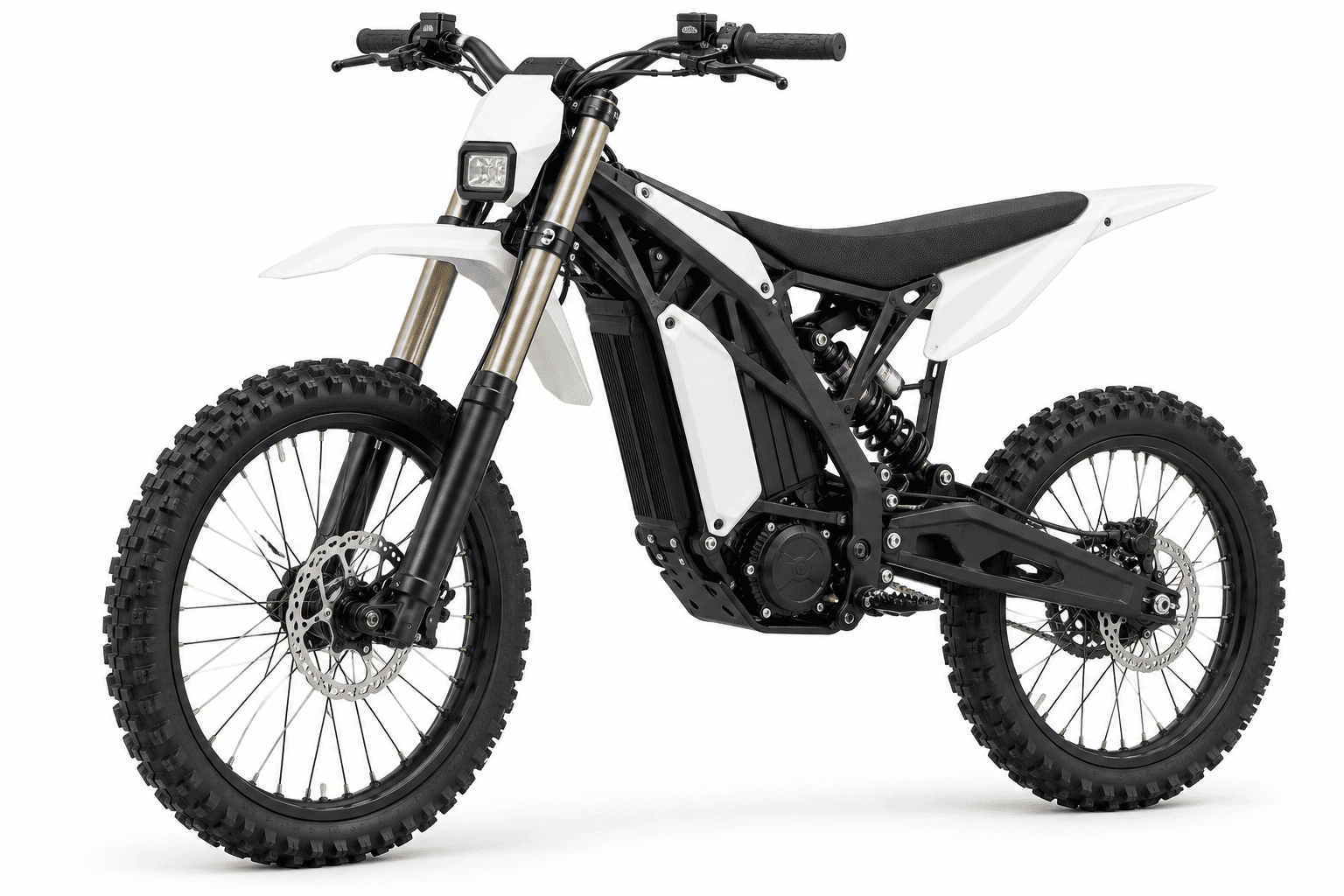
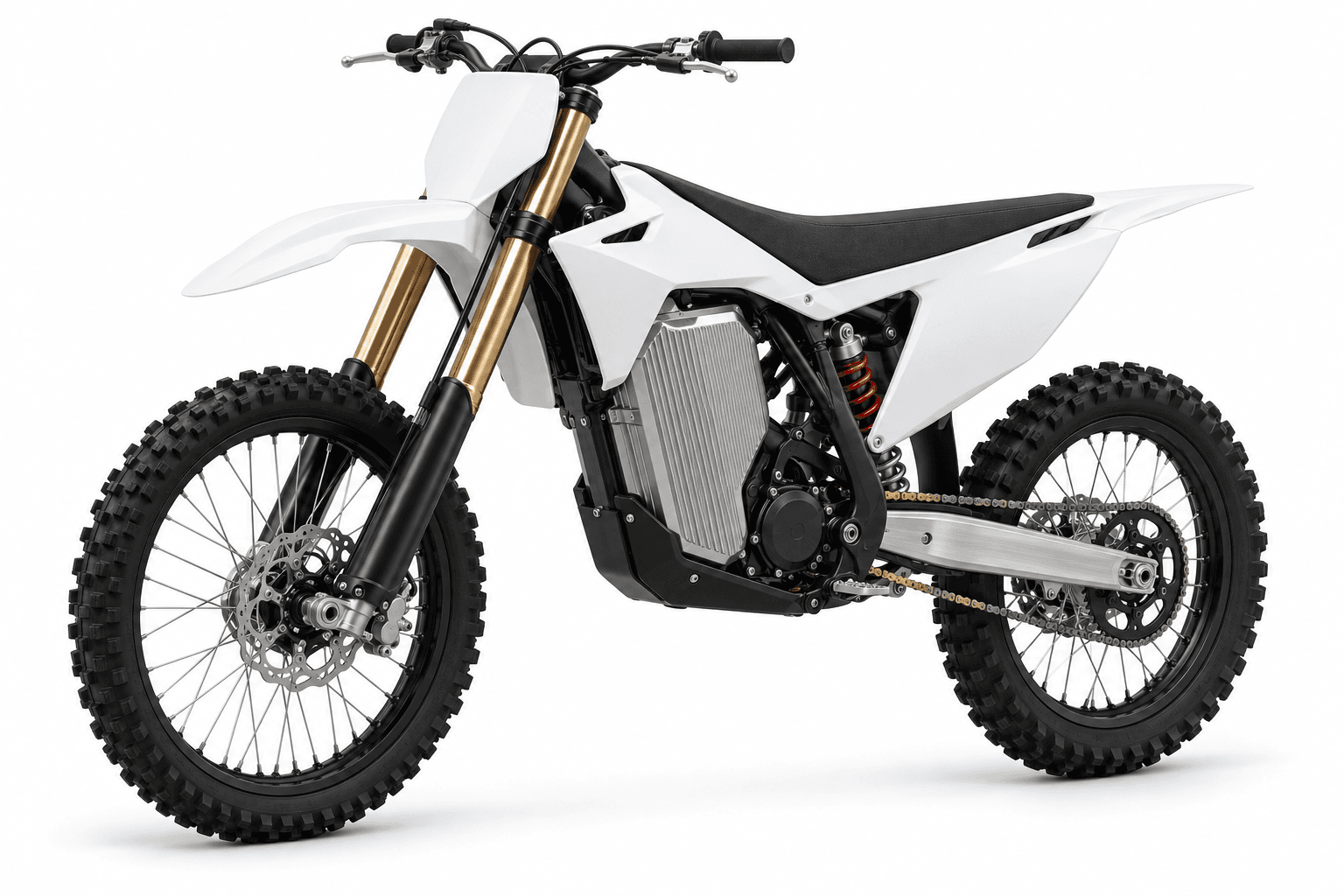
The Light Bee X is the light electric dirt bike that started a whole new scene. Its look is defined by the large, flat panels on each side of the battery, with no exhaust or radiator to work around.
Those battery-side panels are the best canvas on the bike, so a Light Bee X graphics kit can run one big, uninterrupted design. E-bike plastics differ between models and years, so confirm your panels before you order.
- Battery-side panels
- The main canvas. Large and flat, perfect for big artwork or a name.
- Front fender
- A spot to repeat the main color.
- Headlight plate
- Keep the area around the light simple.
- Rear fender and seat area
- Small surfaces for logos or a number.
 2D preview
Design Your Own Light Bee X Graphics in the Editor
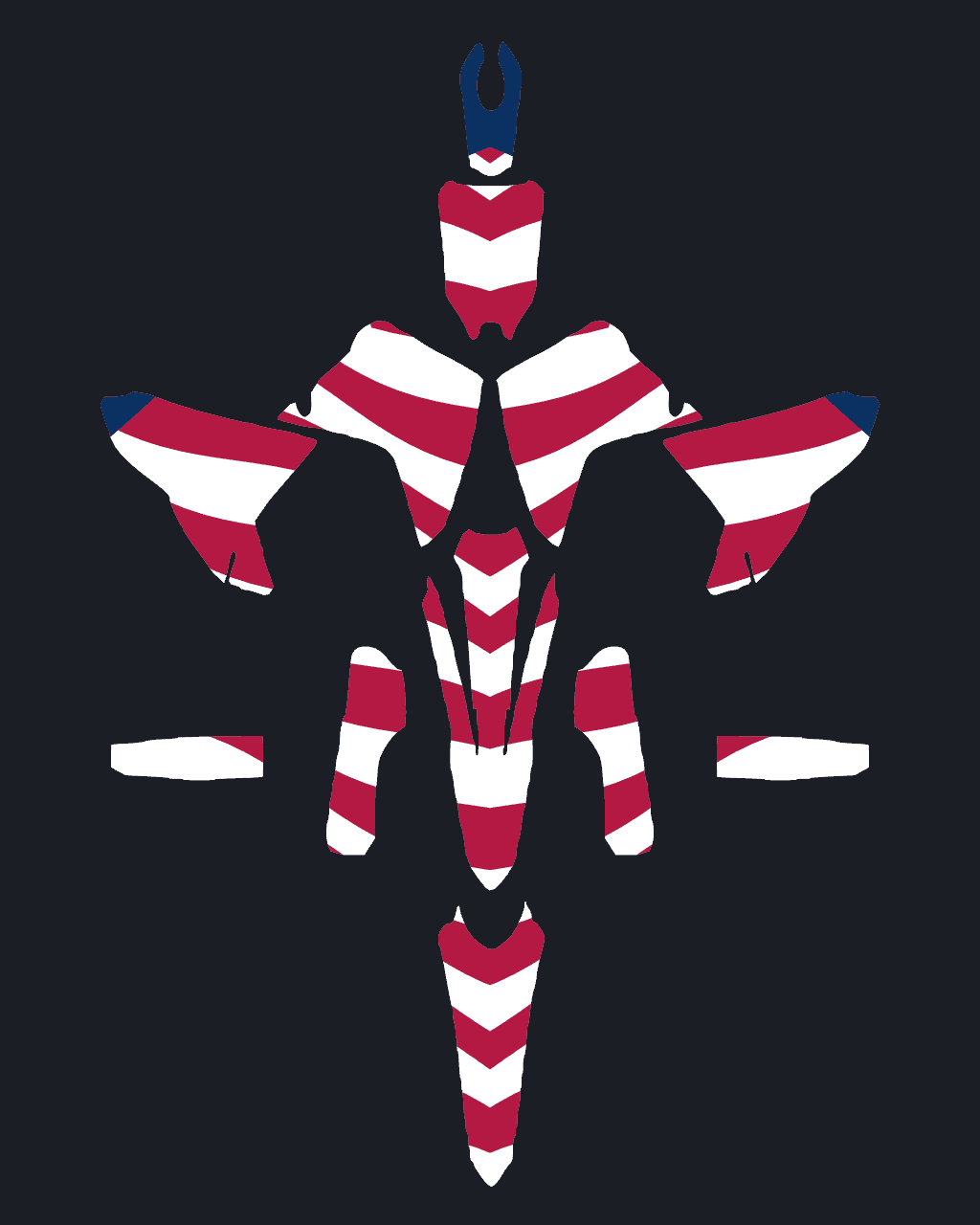
The editor shows the flat Light Bee X kit sheet next to a live view of the bike. Place a design, paint single panels, type your number or drop in a logo, and the bike updates as you work.
- Flip between the left and right side
- Mirror artwork across
- Gloss, matte, chrome or holographic
Neon green lightning on a midnight base
 2D preview
Custom Light Bee X Graphics with AI
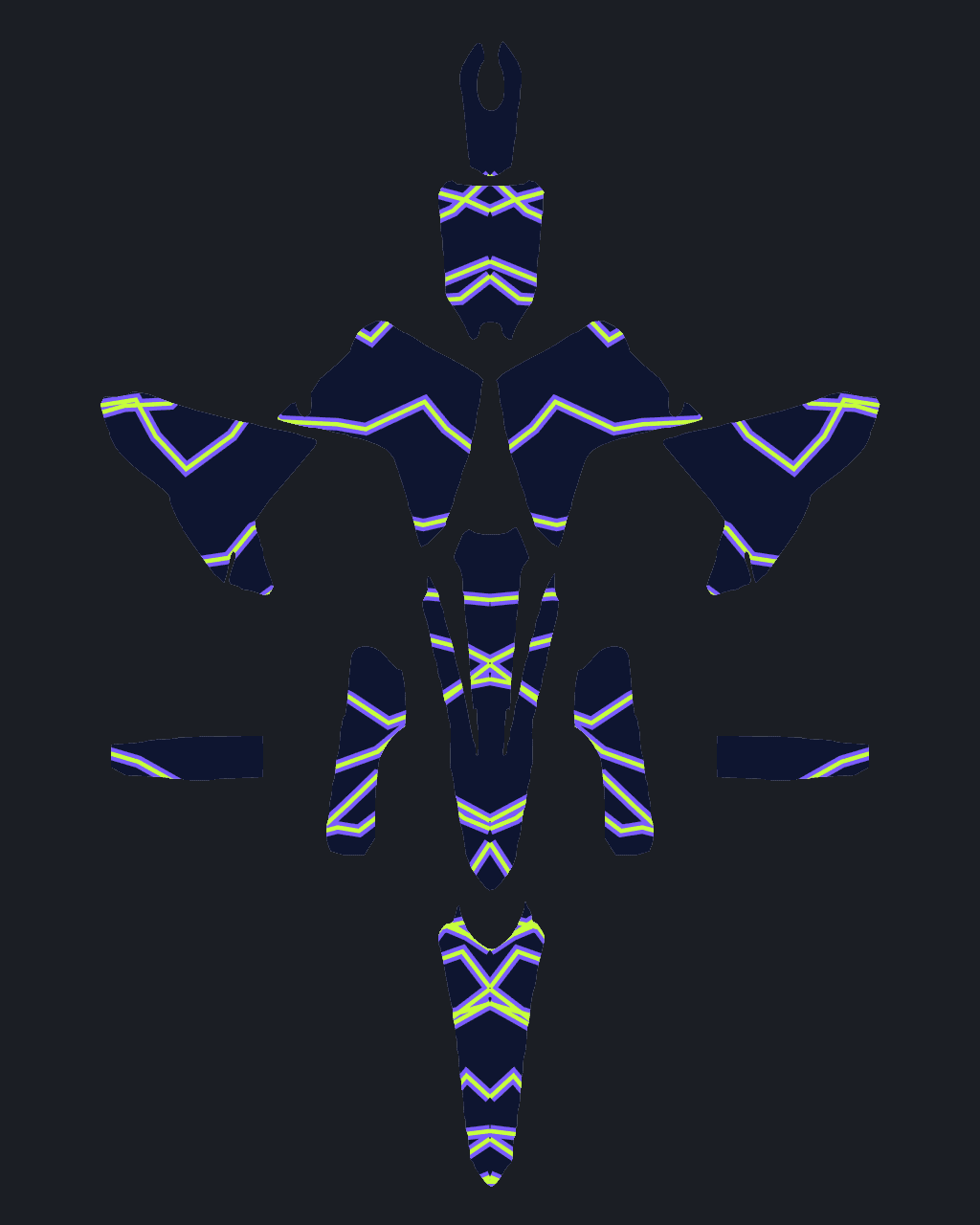
Describe the kit you want or upload a reference photo, and the AI lays out a full, mirrored Light Bee X kit. Every AI design stays editable. Have your print shop check the final dimensions and cut lines.
- 10 credits from text
- 20 credits from a photo
- Mirrored on both sides
Light Bee X Graphics Fitment Guide
Choose your model year below. These are design reference years, not a promise that one cut template fits every year. Match your installed plastics to a model-specific template with your printer.
| Year | Before printing |
|---|---|
| 2026 | Match the installed plastics, bolt holes and panel edges to your printer's template for this model year. |
| 2025 | Match the installed plastics, bolt holes and panel edges to your printer's template for this model year. |
| 2024 | Match the installed plastics, bolt holes and panel edges to your printer's template for this model year. |
| 2023 | Match the installed plastics, bolt holes and panel edges to your printer's template for this model year. |
| 2022 | Match the installed plastics, bolt holes and panel edges to your printer's template for this model year. |
| 2021 | Match the installed plastics, bolt holes and panel edges to your printer's template for this model year. |
| 2020 | Match the installed plastics, bolt holes and panel edges to your printer's template for this model year. |
The bike image is an illustrative design preview. Exported artwork needs sizing and cut-line review before production; printing and vinyl are supplied by your print shop.
Sur-Ron Light Bee X Graphics Kit Panels
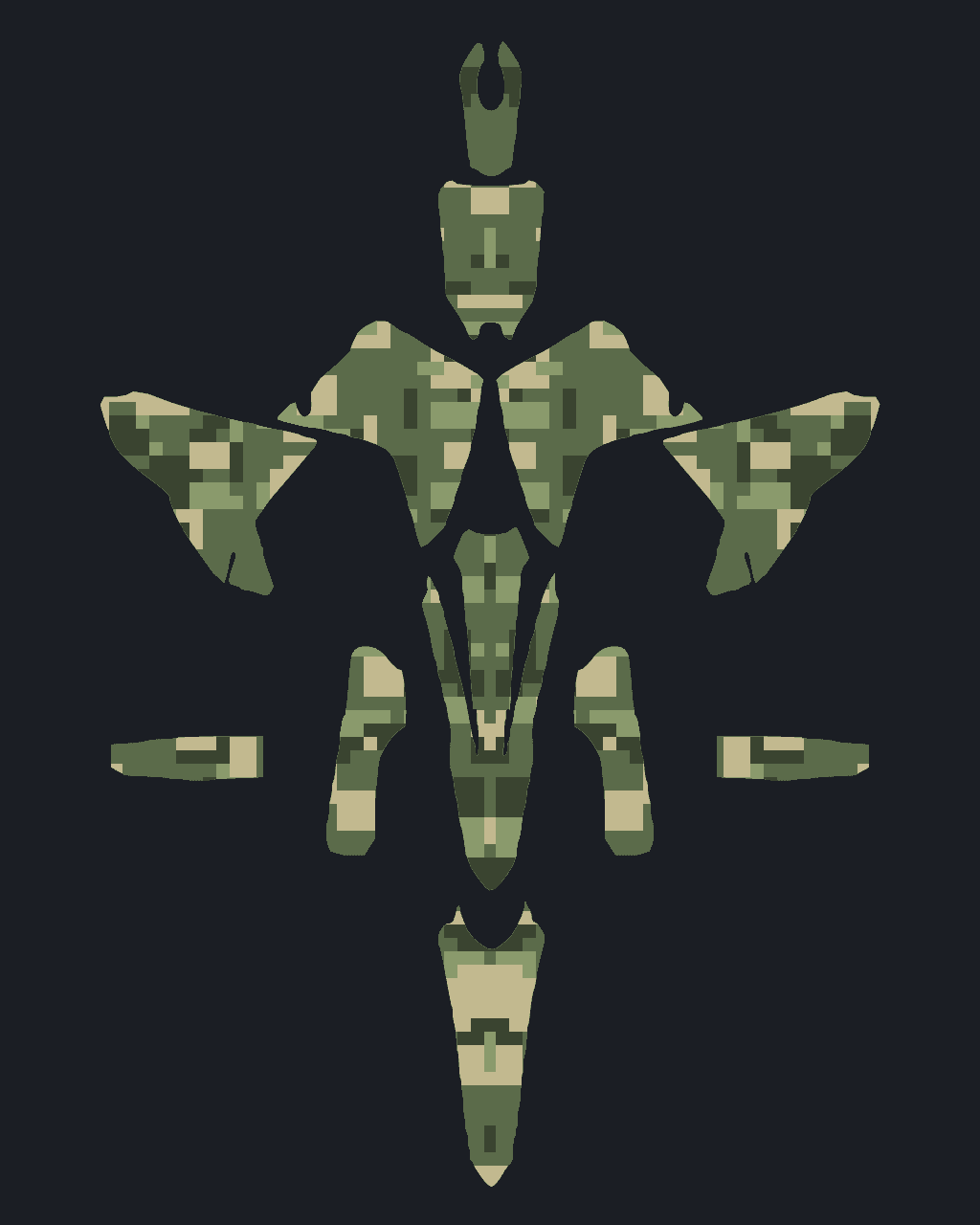
The design sheet organizes artwork by panel, with matching left and right pieces to review with your printer. Check the artwork placement on the bike preview before exporting your design.
- 1Main side panelsthe main body covers, radiator shrouds or battery-side surfaces, depending on the model
- 2Upper body coverssmaller bodywork areas near the seat; check the fitted covers on your exact bike
- 3Front fenderlong and curved, read from above and from the front
- 4Front number platethe plate on the forks, where your number or headlight surround goes
- 5Fork guardsnarrow pieces that pick up color from the main kit
- 6Swingarm decalslong strips that protect the swingarm and carry a name or a small logo
- 7Seat coverprinted or plain, and a good spot for a brand or a stripe
- 8Rear fenderlong and tapered, the last thing riders behind you see
Light Bee X Design Guide
Three short guides written for the Light Bee X: how to plan the kit, where numbers go, and how to match it to your riding.
Designing a Sur-Ron Light Bee X graphics kit, step by step
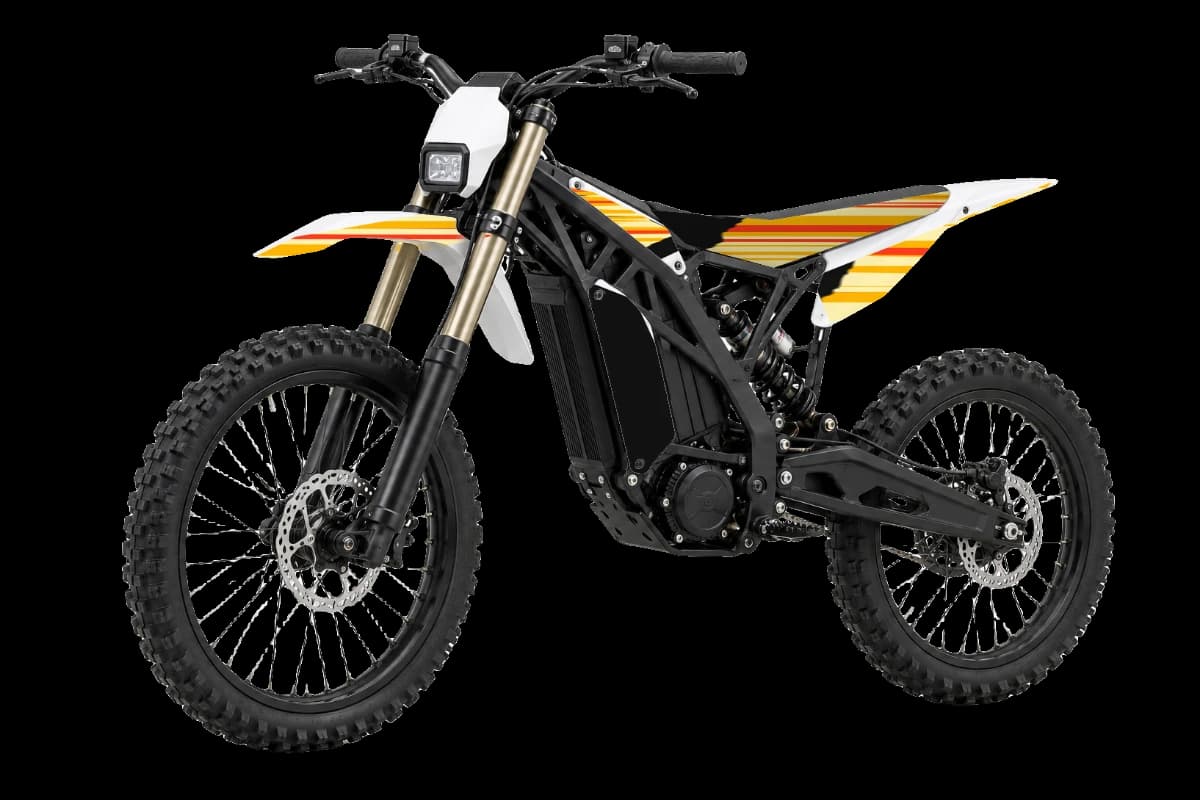
Before you pick a single color, confirm which bodywork your bike actually wears. Light Bee panels have changed between model years, and so many owners fit aftermarket plastics that a stock-shaped preview may not match. Once that is settled, treat the large battery-side panel like a poster: decide on one central image, color field or name for it, and build everything else around that. The stock dark gray, with lighter gray frame and rim hints in the preview, works with almost any palette, so the real choice is mood, from murdered-out stealth to full neon. The front fender and tail only need a repeat of your main color. Mirror both sides, then check them in the preview, especially around the headlight, which should stay uncluttered.
Race numbers and sponsor logos on the Sur-Ron Light Bee X
Plenty of Light Bee X owners never race, but if you enter electric classes or pit bike events, check the rules for number placement and plate colors first. A big, clean number on each battery-side panel reads well, and a bold, modern font with squared corners suits the electric look. If you do not race, that same panel is a great spot for a name, a tag or a personal symbol instead. Sponsor logos, often from the shop that built or tuned your bike, fit neatly on the front fender and around the tail. Because the stock bike is dark, white, neon or cyan numbers and logos give the best contrast. Keep the lettering away from any edges where aftermarket panels might trim it off.

Making the most of the Sur-Ron Light Bee X's electric look
The Light Bee X helped create its own riding scene, and many owners want the bike to look modern rather than like a shrunken gas motocrosser. Electric themes suit it well: lightning, circuit-board lines, digital camo or neon gradients that fade across the battery panel. If you prefer to stay low-key on the trails, dark grays with one accent color look subtle and hide scuffs. Light Bee X graphics also pair nicely with colored rims, hubs, grips or a seat cover, so plan your accent color to match those parts. Matte laminates look especially good on electric bikes and cut glare in photos. Because panels vary by year and aftermarket bodywork is common, double-check your exact setup before you order.
Light Bee X Color Ideas
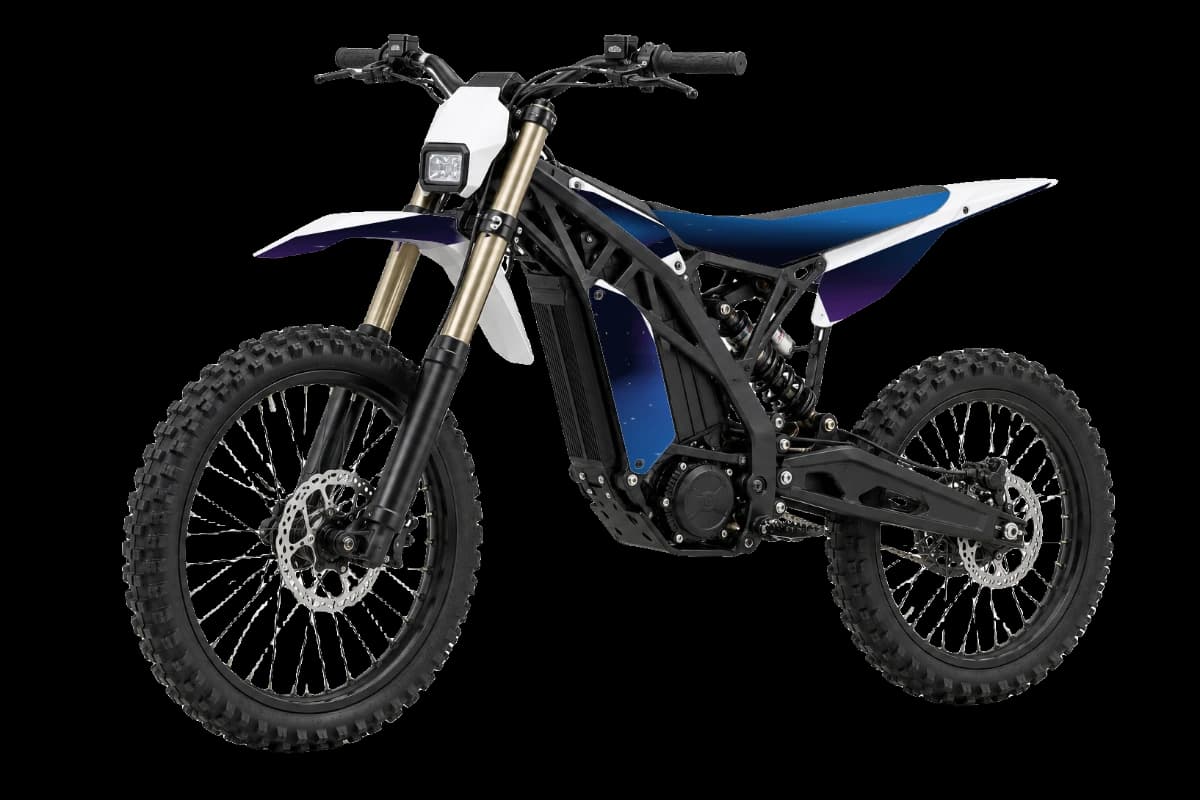
Three palettes shown on the bike. Apply one in the editor and keep designing from there.
Stealth
Dark grays like stock.
Volt
Navy with neon accents.
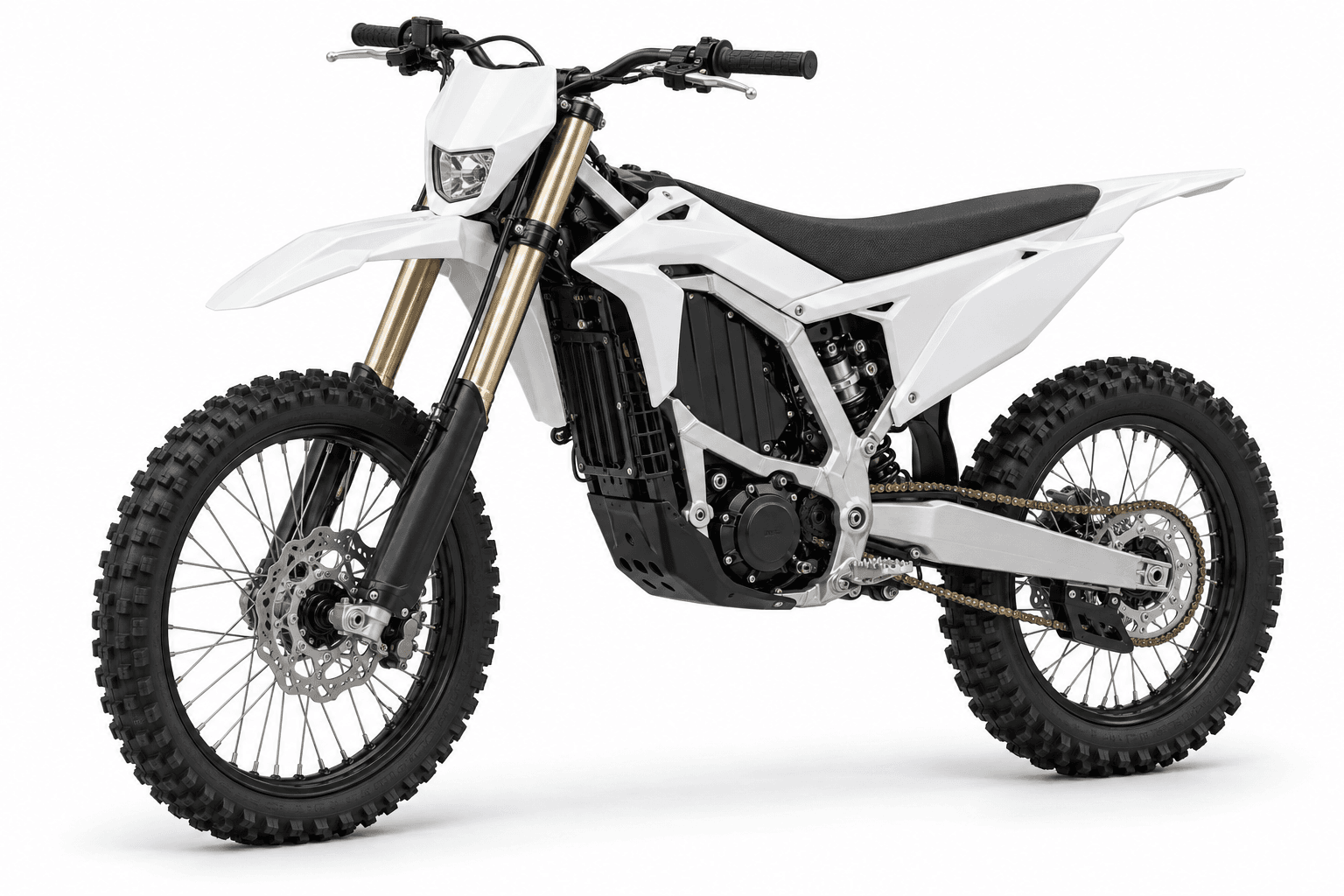
Clean white
White with cyan details.
How to Install Sur-Ron Light Bee X Graphics
You need a heat gun or hair dryer, a squeegee and isopropyl alcohol. Plan an hour or two for a full Light Bee X kit.
- 01Take the plastics offRemove the shrouds, fenders and plates from the Light Bee X and work on a clean bench. Loose panels are far easier to wrap than panels on the bike.
- 02Strip the old decalsWarm old graphics with a heat gun or hair dryer and peel them slowly at a low angle. Remove leftover adhesive with an adhesive remover.
- 03Clean and degreaseWash the plastics, then wipe them with isopropyl alcohol so no oil or silicone is left. Let them dry completely.
- 04Line up each graphicPeel back only the first few centimeters of backing, line the graphic up against the panel's edges and holes, and tack it down.
- 05Lay it from the middle outPull the backing off as you go and push the vinyl down from the center outward with a squeegee or your thumb, chasing air toward the edges.
- 06Heat the curves and edgesWarm the vinyl around tight curves and edges so it stretches and settles, then press the edges down firmly. Keep the bike unplugged and cool while you work. The flat battery-side panels are easy to apply: dry fit first, then apply from the center out so the big surface stays bubble free.
Cost of a Custom Sur-Ron Light Bee X Graphics Kit
Designing a Light Bee X kit costs nothing. You only spend credits on AI designs and on the clean HD export you send to the printer. Printing is paid to the shop you choose.
Styles That Suit the Light Bee X

Sur-Ron Light Bee X Graphics Kit FAQ
01Which bikes does this Sur-Ron Light Bee X graphics kit fit?
This is an artwork preview for the Sur-Ron Light Bee X. Model years 2020–2026 are design references, not certified template compatibility. Have your printer confirm the exact year, installed plastics and cut lines. The Storm Bee and Ultra Bee have their own page and kit.
02Will this kit fit an older Light Bee X?
The model-year guide lists references for 2020–2026. Do not infer fit for an older bike from the preview. Check its installed plastics and a matching printer template before production.
03Do Light Bee X decals fit the Storm Bee or Talaria?
No. E-bike plastics differ between models and even years. Confirm your panels and design on the exact bike you ride.
04Do I need graphics for aftermarket plastics?
Many Light Bee owners swap plastics. If yours aren't stock, check the panel shape with your printer before ordering.
05Are Light Bee X graphics the same as Light Bee X decals or a wrap?
Riders use all three words for the same thing: printed, die-cut vinyl that covers the Light Bee X's plastics. A "kit" means the full set of panels designed to work together.
06Can I see the Light Bee X kit on the bike before I pay?
Yes. Designing and previewing are free. The 2D preview includes a front angle and a mirrored view; models with a 3D viewer can also be rotated in the designer.
07Can I add my race number and name to the Light Bee X?
Yes. Type it in the Text panel and place it on the plates in one click. Numbers read the right way on both sides of the bike, and you can add a name across the rear fender or the shrouds.
08Can I put my own logo or artwork on the kit?
Yes. Upload a sponsor logo, team badge or photo, place it on any panel, then scale, rotate and recolor it.
09Can I leave some panels plain?
Yes. Paint any panel a solid color, or clear the artwork from it. Plain plastics next to a busy shroud graphic often look the most professional.
10What do I get with the HD export?
Clean high-resolution preview images and a flat artwork sheet without a watermark. The Light Bee X export costs 30 credits; confirm physical dimensions and cut lines with your printer before printing.
11Is this a Light Bee X graphics kit I design myself?
Yes. You design it here, export the HD sheet, and have it printed and cut by the print shop of your choice. That keeps you in control of the design, the vinyl and the price.
12Can I share my Light Bee X design?
Yes. Create a share card or a link, and anyone can open the design and see it on the bike.
13How much does an AI design cost?
10 credits from a text prompt, or 20 credits from a photo. Credits come in one-time packs, from 200 credits for $9.90.
14Do credits expire?
No. Credits are a one-time purchase with no subscription, and they never expire.
Related bikes

Start your Light Bee X kit
Pick your bike, design the kit, and only pay for AI designs and HD exports.
Start designing