Yamaha Dirt Bike Graphics
Yamaha's YZ and WR bikes share a distinctive, flat-sided shape with lots of room for numbers and sponsor logos. Blue is the factory color, but white and black kits are common. Pick a model to explore its artwork preview, then confirm physical fit with your printer.
 YZ450F · Big Surf
 YZ250F · White plastics
 YZ125 · Old Glory
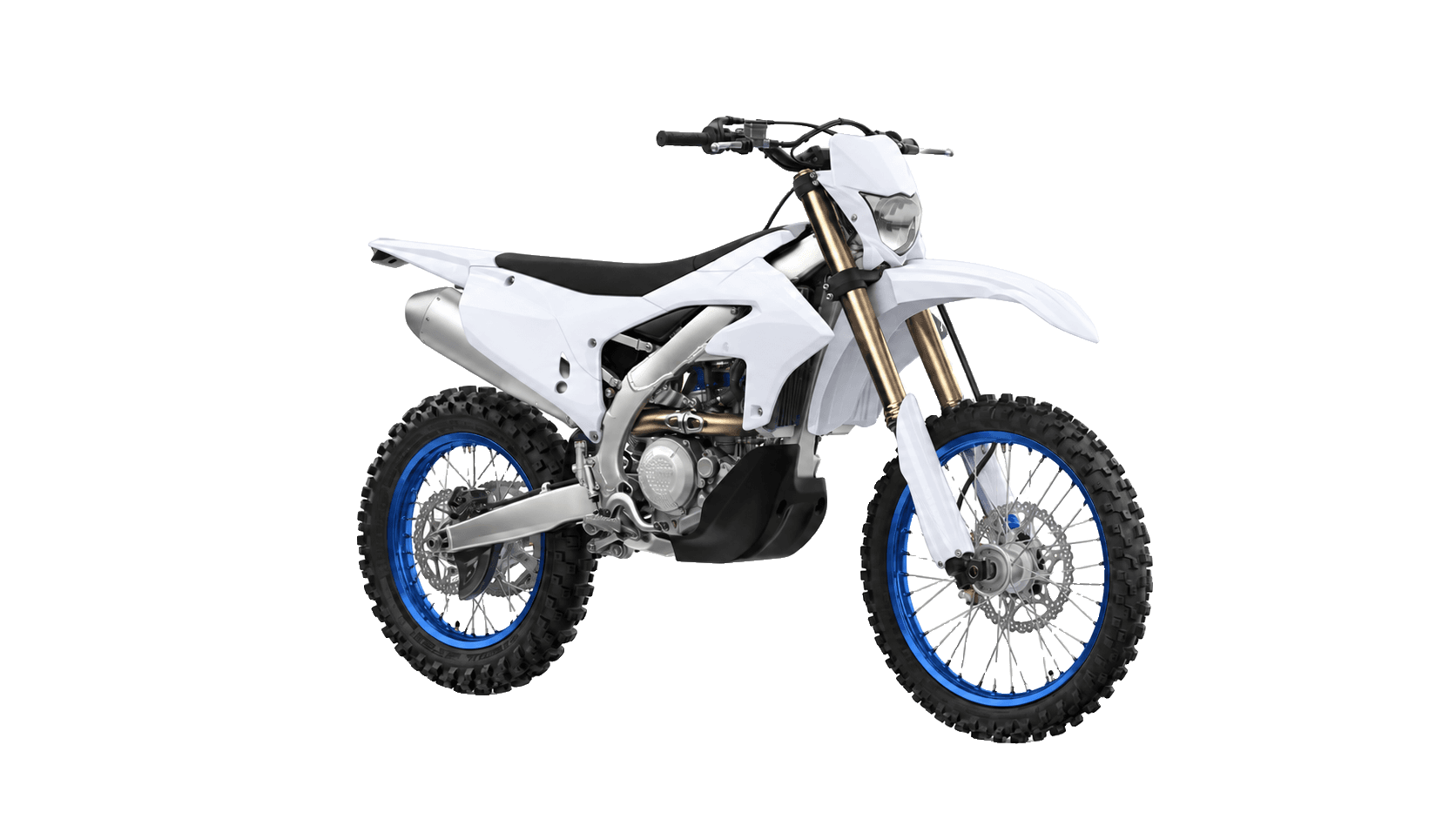 WR450F · White plastics
All Yamaha models17 models · 4 types


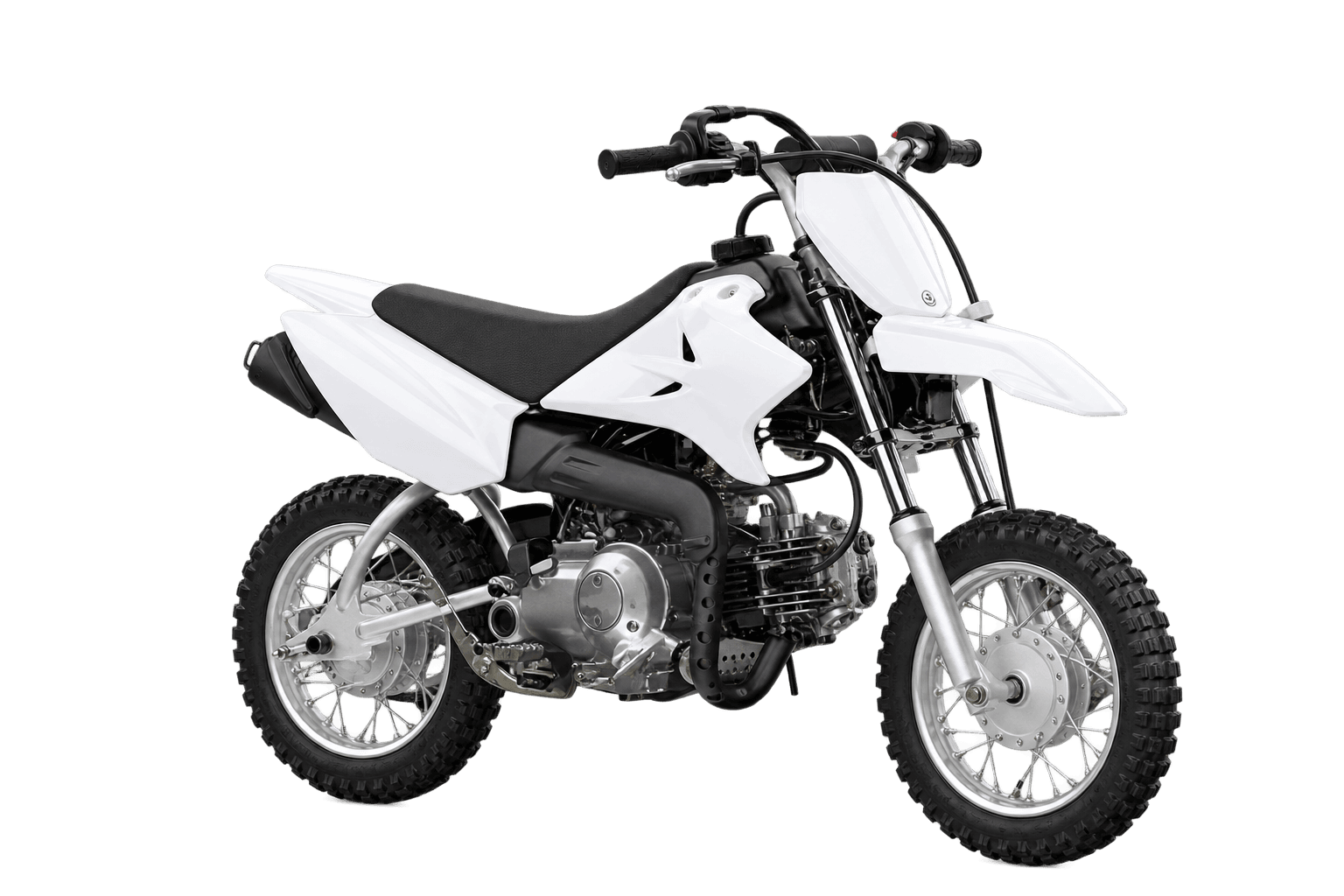
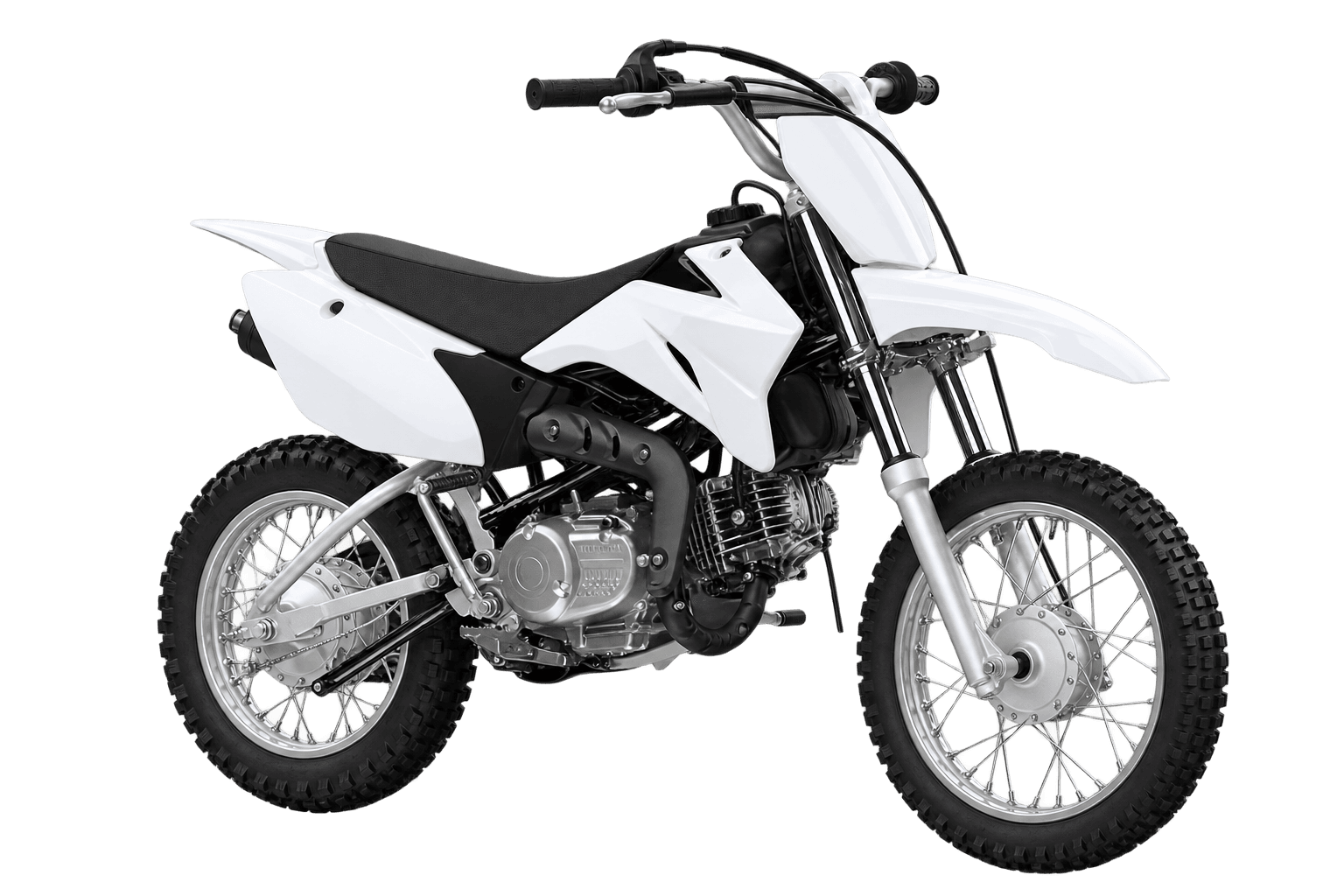


Popular Styles on Yamaha Bikes
The looks that suit Yamaha bodywork best. Each one opens on your bike in the editor.


Yamaha Color Ideas
Palettes that keep the Yamaha look, each shown on the bike it was picked for.
Yamaha blue
Factory blue with white and cyan. · YZ450F
Monster-style black
Dark base with neon accents. · YZ450F
Retro yellow
Inspired by vintage YZ speed blocks. · YZ450F
Night blue
Dark base with neon accents. · YZ250F
Designing Graphics for a Yamaha
Start from the Yamaha look
Try a Yamaha-inspired accent with white or charcoal, then adjust the main fields and number areas. The preview palette is a design choice, not a factory colour specification.

Put numbers where they read
Wide and fairly flat, so logos stay readable from a distance. Keep the same font across the number areas so your rider identity reads as a set.
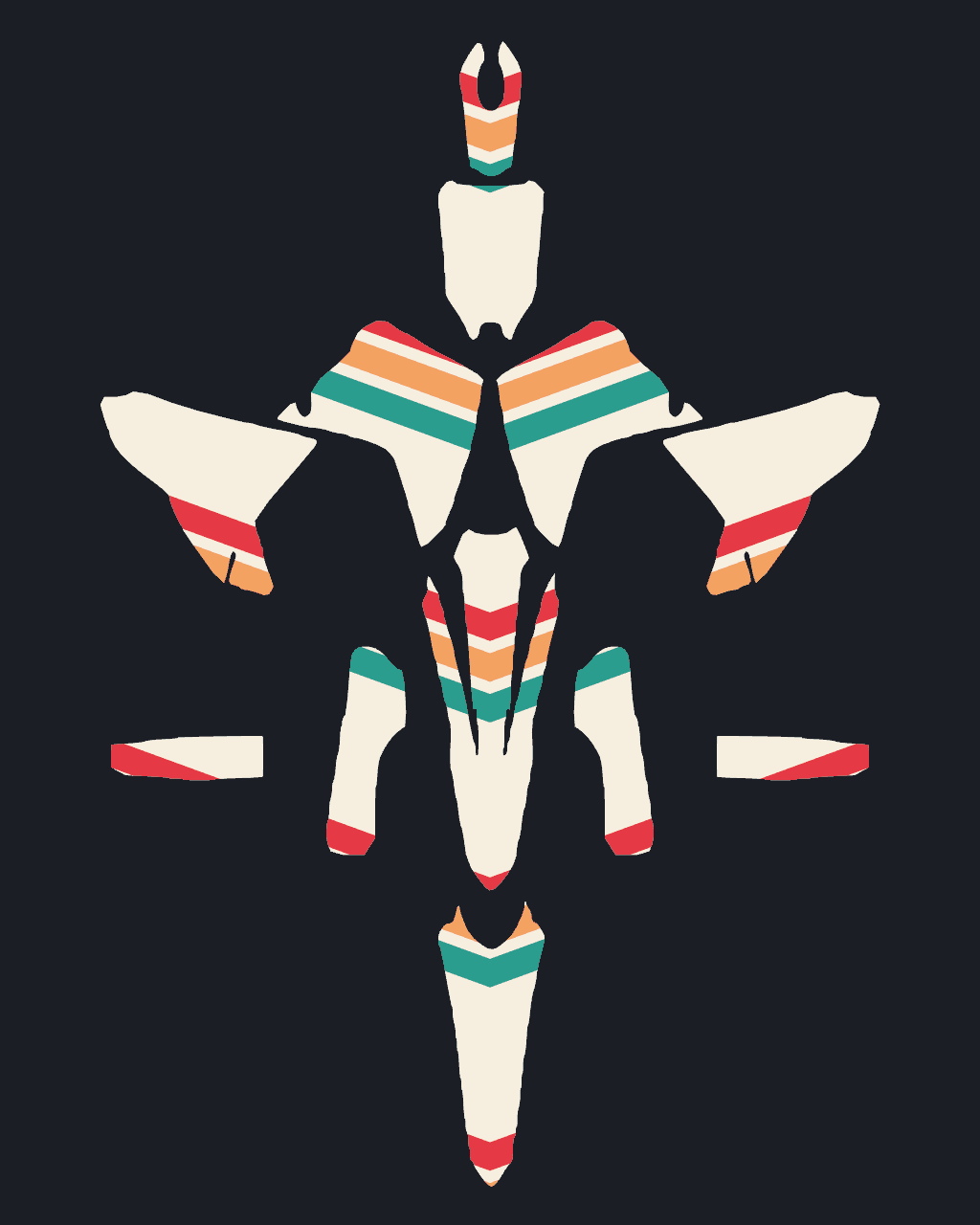
One sheet, both sides
The artwork sheet groups matching left and right designs. Ask your printer to size them against the fitted plastics and a verified cut template before production.
Yamaha Kits in Action
Artwork examples on Yamaha model previews. Mirrored 2D views illustrate the opposite side.


Yamaha Graphics FAQ
01Which Yamaha models can I design graphics for?
the YZ450F (2023–2026), the YZ250F (2024–2026), the YZ125 (2022–2026), the WR450F (2024–2026), the PW50 (2015–2026), the YZ250 (2027), the YZ65 (2027), the YZ85 (2026), the YZ125X (2027), the YZ250X (2027), the YZ250FX (2027), the YZ450FX (2027), the WR250F (2027), the TT-R50E (2027), the TT-R110E (2027), the TT-R125LE (2027) and the TT-R230 (2027). More models are added based on requests.
02Do YZ450F graphics fit the YZ250F?
A shared brand or riding category does not establish a shared cut template. These are separate model previews; confirm the exact year and fitted plastics with your printer before transferring artwork.
03Which Yamaha years are covered?
Each model page shows its available catalogue or design reference years. A listing marked Current catalogue has no verified model-year range here. Reference years do not certify interchangeable plastics; your printer must confirm the exact bike and cut template.
04Do Yamaha graphics have to be Yamaha colors?
No. Start from the stock color or go completely custom. Many riders keep a hint of the factory color as an accent.
05Can I design graphics for my kid's Yamaha?
Yes. The PW50, YZ65, YZ85, TT-R50E, TT-R110E and TT-R125LE each have a kit, with room for your kid's name on the plates.
06Is it free to design?
Yes. Designing and watermarked exports are free. AI designs and clean 4K exports use credits from one-time packs.
Design and preview free. No signup to start.
Related guides
How each laminate looks, wears and cleans on a dirt bike.
A practical workflow for designing a full graphics kit: picking a base, building contrast, placing numbers and logos, and checking both sides.
Contrast, size and font tips so your number is readable at speed.
Prep, heat and squeegee technique for a clean graphics install on motocross plastics.
Styles that suit Yamaha
Explore more
Other brands
Design your Yamaha kit
Pick your bike, design the kit, and only pay for AI designs and HD exports.
Start designing