Tiger stripe dirt bike graphics
Tiger stripes suit orange bikes naturally, but they look just as wild in white, pink or neon green. The irregular stripes hide scuffs and roost marks better than solid colors.

Tiger stripe graphics examples
The same tiger stripe kit on different bikes, sides and finishes, plus the flat sheet you send to the printer.


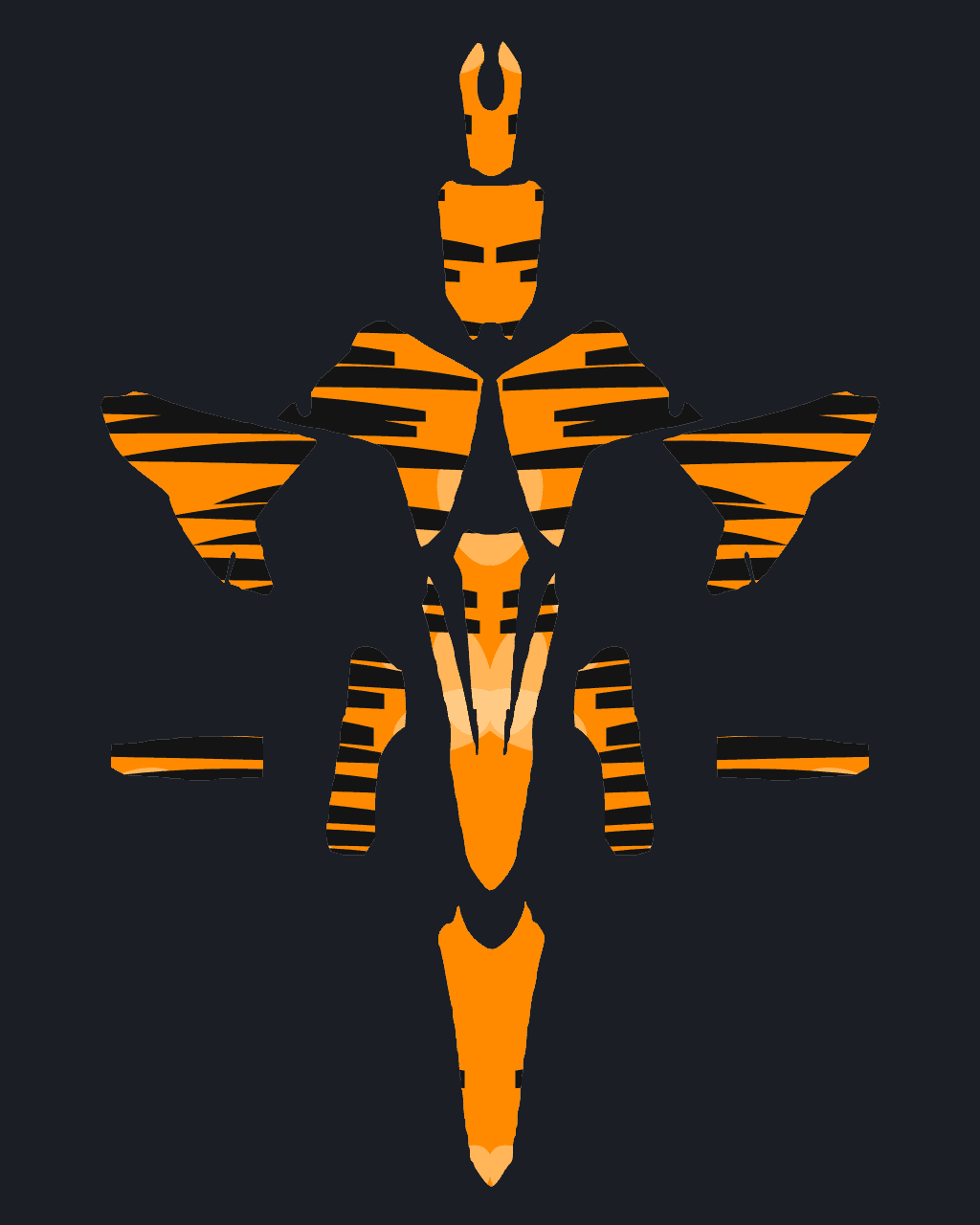
Design tips for tiger stripe graphics
- Match the stripe base to your stock plastics for an OEM-plus look.
- Thin stripes on the fork guards and swingarm tie the whole kit together.
- Add claw-mark shapes from the Shapes panel for extra bite.
Design tiger stripe graphics for these bikes
Popular model pages with fit notes and kit previews. Open a bike, then apply the tiger stripe look in the designer.
Browse by brand
Related guides
A practical workflow for designing a full graphics kit: picking a base, building contrast, placing numbers and logos, and checking both sides.
Contrast, size and font tips so your number is readable at speed.
How each laminate looks, wears and cleans on a dirt bike.
Similar styles


01Can I change the colors of the tiger stripe kit?
Yes. Open the kit in the designer and recolor it, paint single panels, or ask the AI for the same style in your own colors.
02Which bikes can I put tiger stripe dirt bike graphics on?
All 186 bikes in DirtBikeGraphics, including Honda CRF450R, Yamaha YZ450F, KTM 450 SX-F, Kawasaki KX450 and more. The kit is mapped to each bike's own plastics.
03Can I add my race number and sponsor logos?
Yes. Add your number to the plates in one click, and upload logos onto any panel. Everything stays editable.
Start your tiger stripe kit
Pick your bike, design the kit, and only pay for AI designs and HD exports.
Start designing