Gradient Fade GasGas MC 450F Graphics Kit
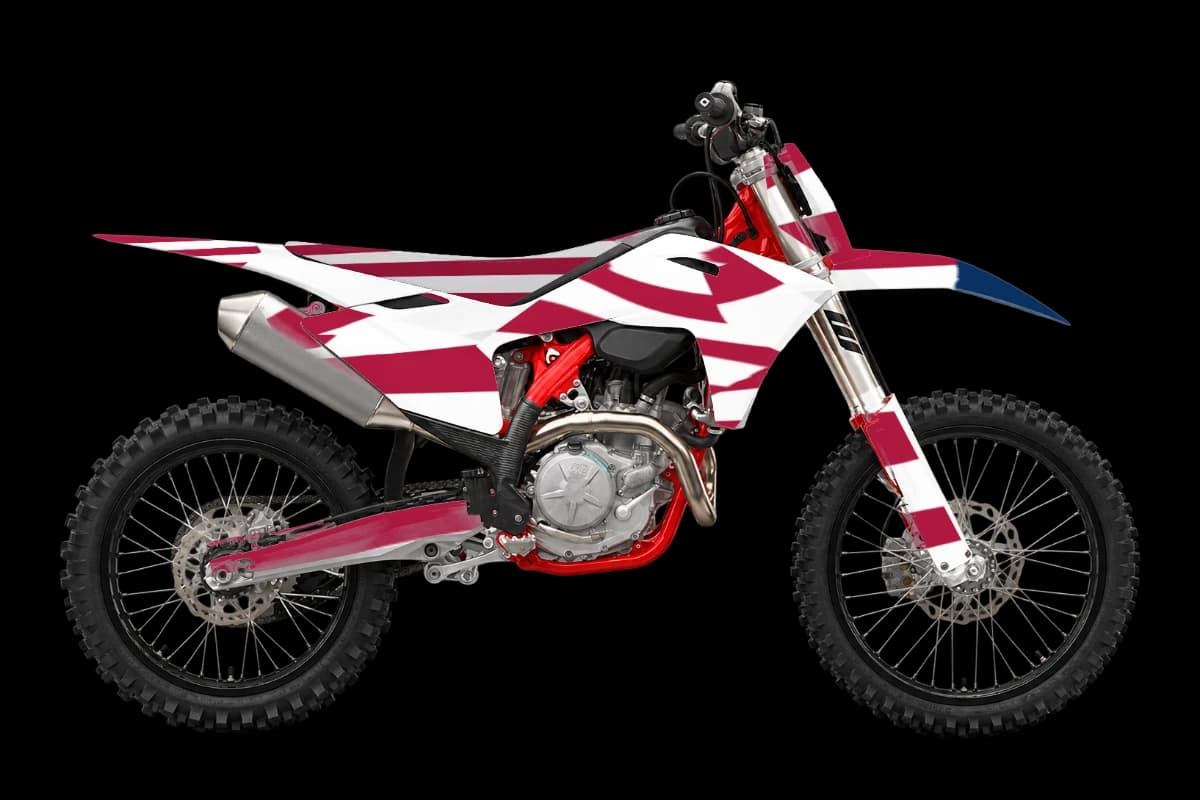
Smooth color fades with a halftone edge give an 80s synthwave or modern streetwear vibe. This page puts the gradient fade kit on the GasGas MC 450F. Red and playful. GasGas plastics take loud designs well.
Open it in the designer to see gradient dirt bike graphics mapped to the MC 450F's own panels, change the colors, and add your number and logos before you export artwork for your printer.
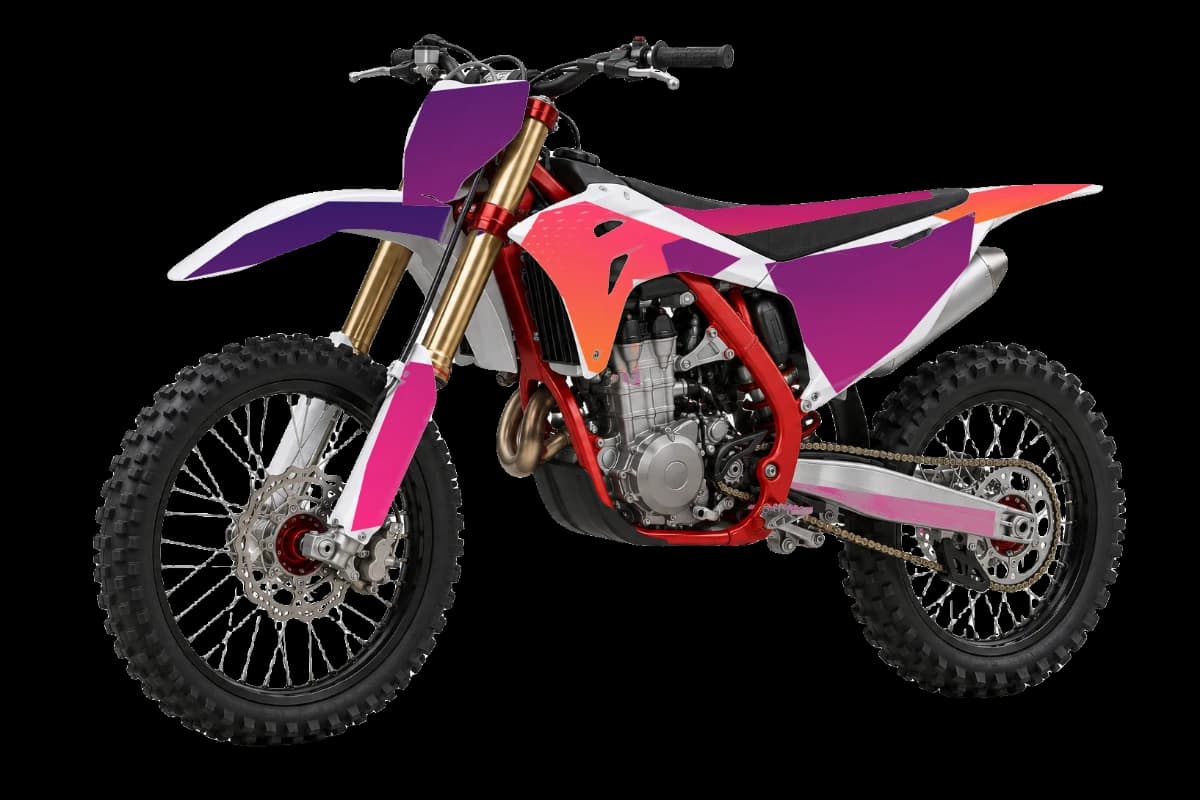
How gradient fade graphics fit the MC 450F
Where the pattern shows best on this bike, panel by panel.
Radiator shrouds
Big, bold areas. Go loud. Pick colors next to each other on the color wheel for a smooth fade.
Tank shrouds
Good for a contrasting accent color.
Rear fender
Large numbers and names fit well.
Front fender
Repeat a detail from the shrouds here.
Color ideas for a gradient fade MC 450F
Gradient fade starter
The palette the gradient fade kit opens with.
GasGas stock match
Keeps GasGas's stock color as the base so the kit looks factory-fresh.
GasGas red
Factory-inspired.
Red and purple
Bold and modern.
Design tips
- Halftone dots at the edge add texture without noise.
- Gloss finishes keep gradients rich.
- On the MC 450F, the radiator shrouds carry the most artwork, so check the pattern there first.
Installing on the MC 450F
Bright red plastics show any misalignment at the edges. Leave a consistent margin around bolt holes and trim any overhang with a sharp blade after the vinyl has settled.
Make it yours in 4 steps
- 1
Open the GasGas MC 450F
Start the designer on the GasGas MC 450F with the gradient fade kit already applied.
- 2
Set your colors
Recolor the kit, or paint single parts like the tank shrouds in a solid color or pattern.
- 3
Add your number and logos
Put your race number on the plates and upload sponsor or team logos onto any panel.
- 4
Export for print
Download free watermarked previews, or HD renders and the flat graphics sheet for your printer to size and cut.
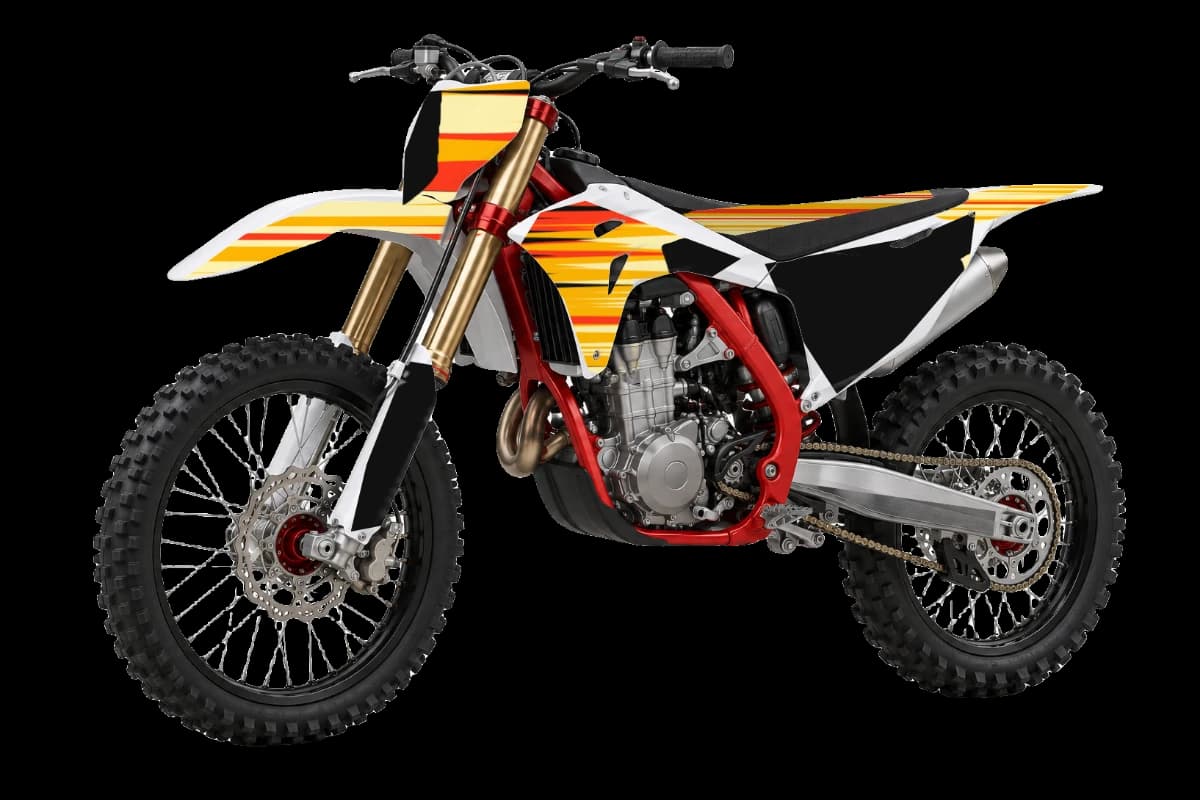
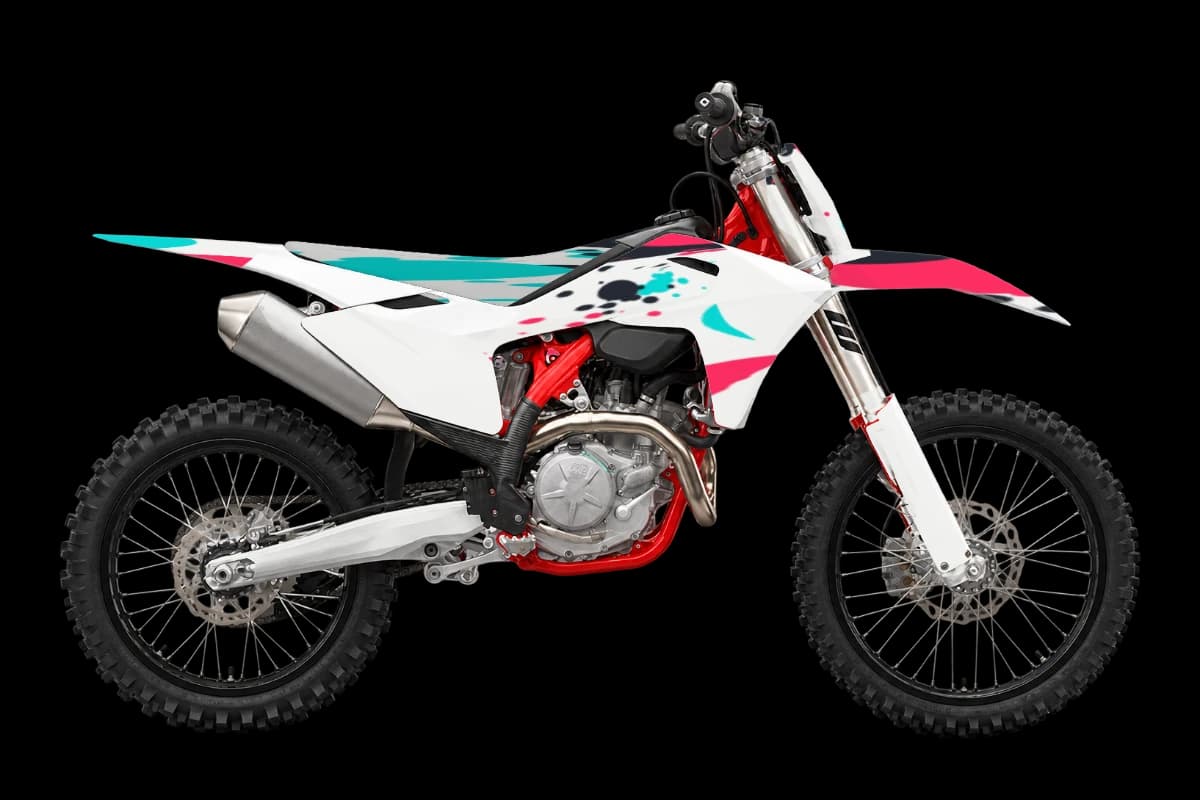
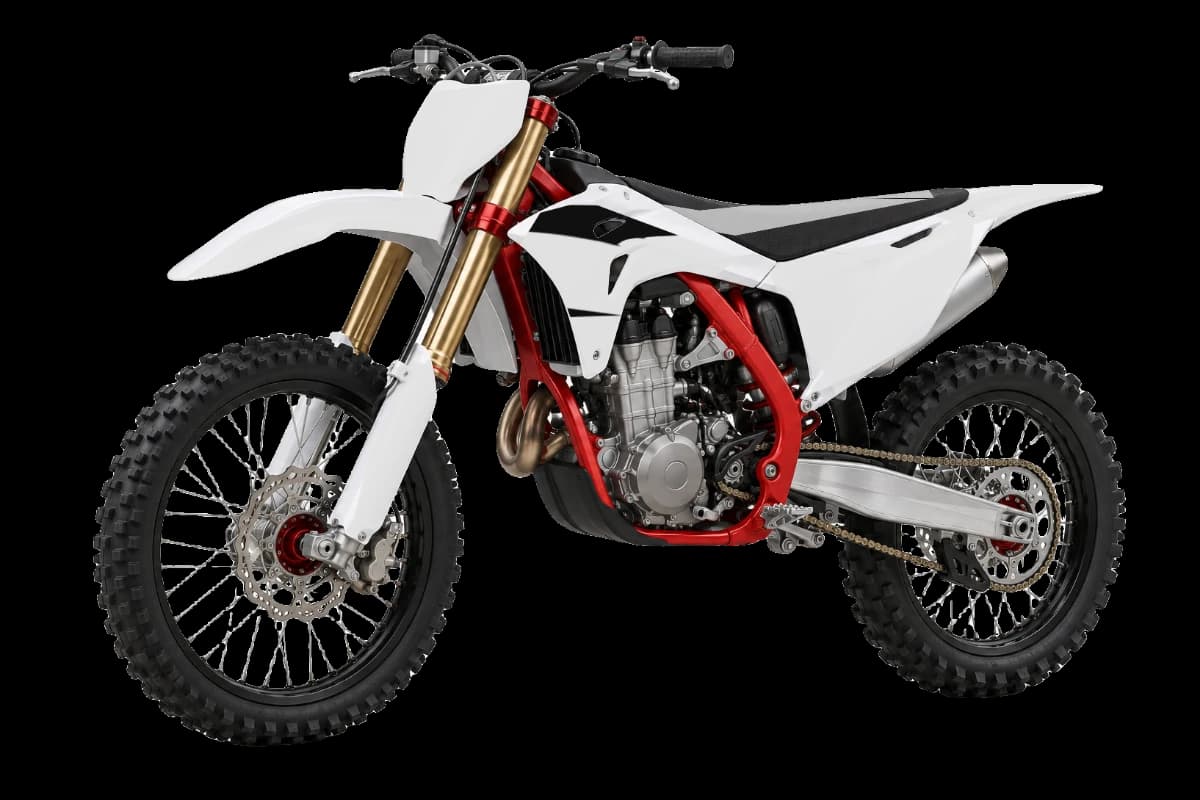
More GasGas MC 450F graphics styles

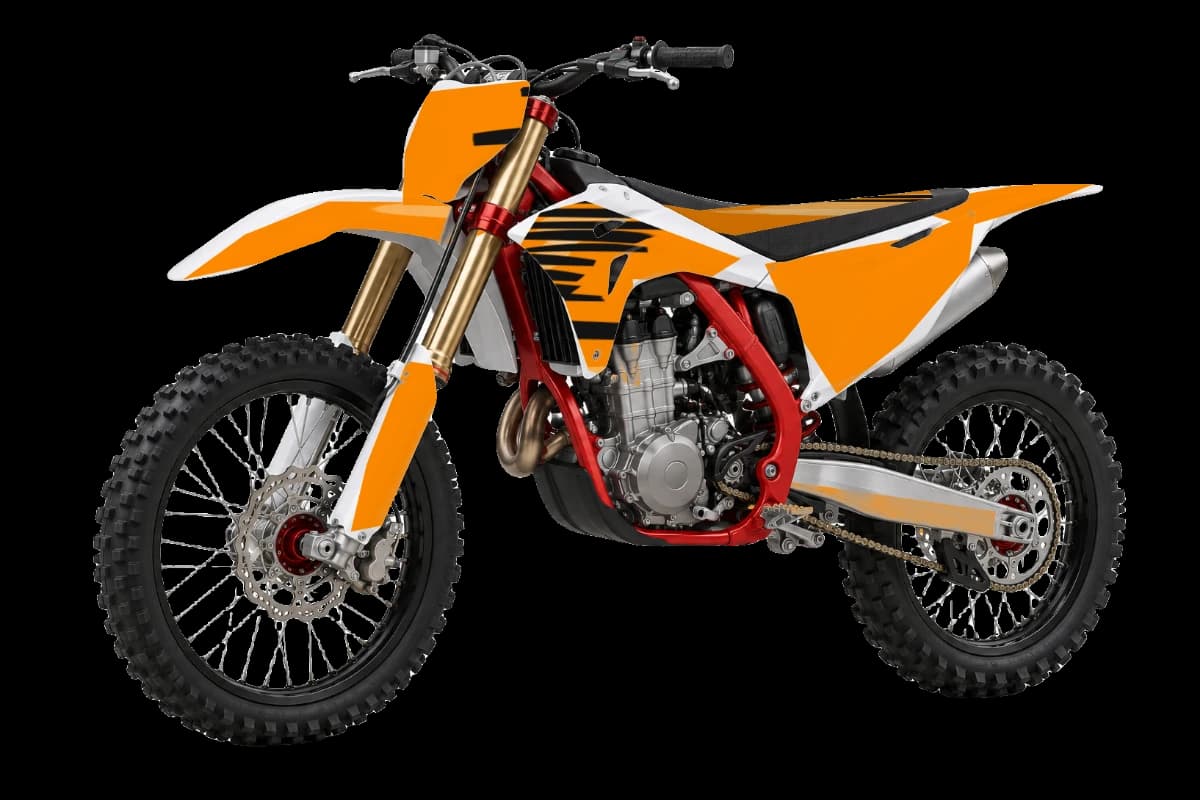
Gradient fade graphics for other bikes
Gradient fade GasGas MC 450F graphics FAQ
01Do these gradient fade graphics fit my GasGas MC 450F?
The kit is laid out on the GasGas MC 450F's panel shapes for the 2024–2026 reference years. Bodywork can change between model years, so ask your printer to match the cut template to your exact year and fitted plastics.
02Can I change the colors of the gradient fade kit on my MC 450F?
Yes. Recolor the whole design, or paint single parts. Many GasGas riders keep GasGas's stock color as the base and use the pattern as an accent.
03Where should the race number go on a MC 450F?
Use a solid, high-contrast plate color and keep the pattern away from the digits so the number reads from the stands.
04Is it free to design gradient dirt bike graphics for the GasGas MC 450F?
Designing and previewing are free. AI designs and clean HD exports use credits from one-time packs, with no subscription.
05Are GasGas and KTM plastics the same?
They are related bikes, but the bodywork is styled differently. Choose the GasGas model for the preview, then confirm its cut template with your printer.
Design your gradient fade MC 450F kit
Pick your bike, design the kit, and only pay for AI designs and HD exports.
Start designing