Woodland Camo Yamaha TT-R110E Graphics Kit
Woodland camo fits hunting, trail and ranch bikes. This page puts the woodland camo kit on the Yamaha TT-R110E. The TT-R110E is the next step in Yamaha's four-stroke mini trail range, with small wheels and straightforward tank-side covers.
Open it in the designer to see camo dirt bike graphics mapped to the TT-R110E's own panels, change the colors, and add your number and logos before you export artwork for your printer.
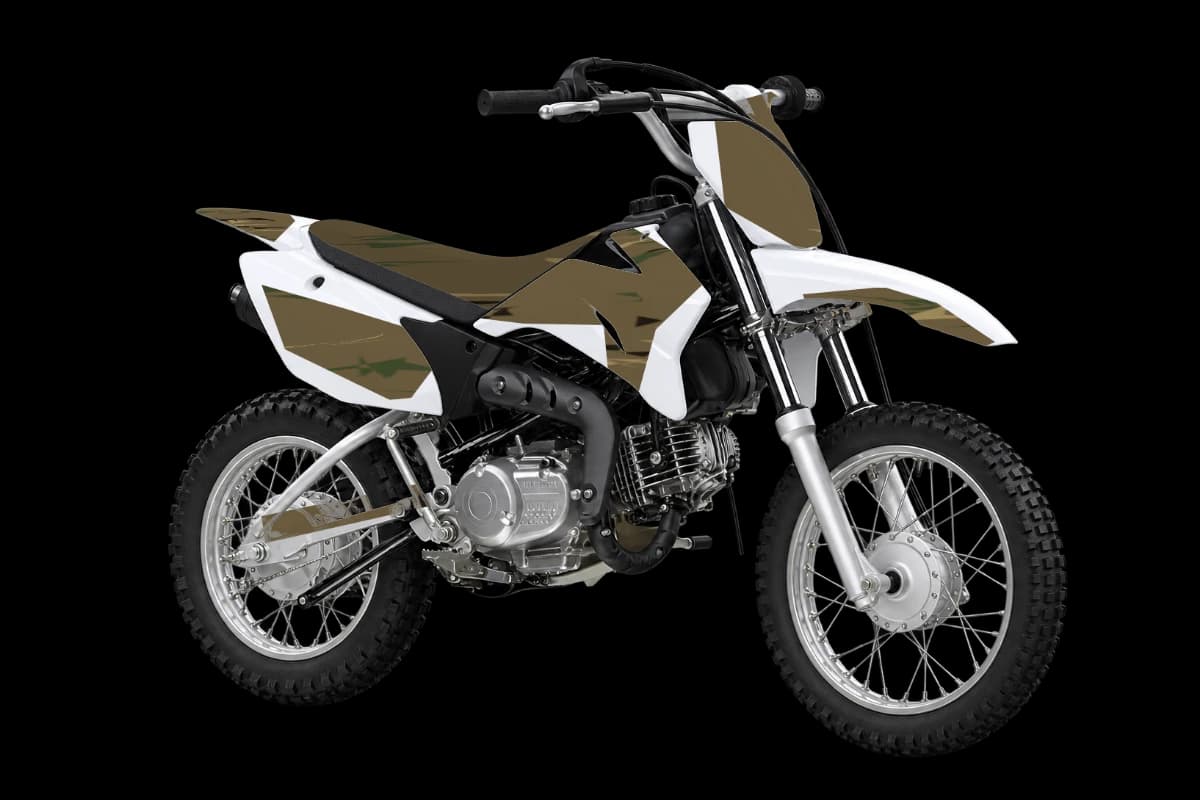
How woodland camo graphics fit the TT-R110E
Where the pattern shows best on this bike, panel by panel.
Tank-side covers / shrouds
A short diagonal across each tank cover adds movement while keeping the small rear side plate uncluttered. Browns and greens for forest, tan and grey for desert.
Front number area
Keep the main number on a solid contrasting field; inspect its size on the TT-R110E preview before adding smaller lettering.
Rear side panels
Place a short name or number on one continuous TT-R110E panel. Keep letters away from fasteners, panel gaps and the seat edge.
Color ideas for a woodland camo TT-R110E
Woodland camo starter
The palette the woodland camo kit opens with.
Yamaha stock match
Keeps Yamaha's stock color as the base so the kit looks factory-fresh.
Yamaha accent
A Yamaha-inspired palette around the white TT-R110E design preview. The illustration is not a stock-colour specification.
White and charcoal
Use the darker field behind the rider number, with the brand colour as a narrow connecting accent.
Design tips
- Matte finish keeps glare down.
- Add a small blaze-orange accent if you ride during hunting season.
- On the TT-R110E, the tank-side covers / shrouds carry the most artwork, so check the pattern there first.
Installing on the TT-R110E
For the TT-R110E, first match the installed plastics and the printer's cut-line file. Keep vinyl away from the four-stroke engine and exhaust header, vents, access openings and moving parts. Follow your vinyl supplier's preparation instructions.
Make it yours in 4 steps
- 1
Open the Yamaha TT-R110E
Start the designer on the Yamaha TT-R110E with the woodland camo kit already applied.
- 2
Set your colors
Recolor the kit, or paint single parts like the front number area in a solid color or pattern.
- 3
Add your number and logos
Put your race number on the plates and upload sponsor or team logos onto any panel.
- 4
Export for print
Download free watermarked previews, or HD renders and the flat graphics sheet for your printer to size and cut.
More Yamaha TT-R110E graphics styles
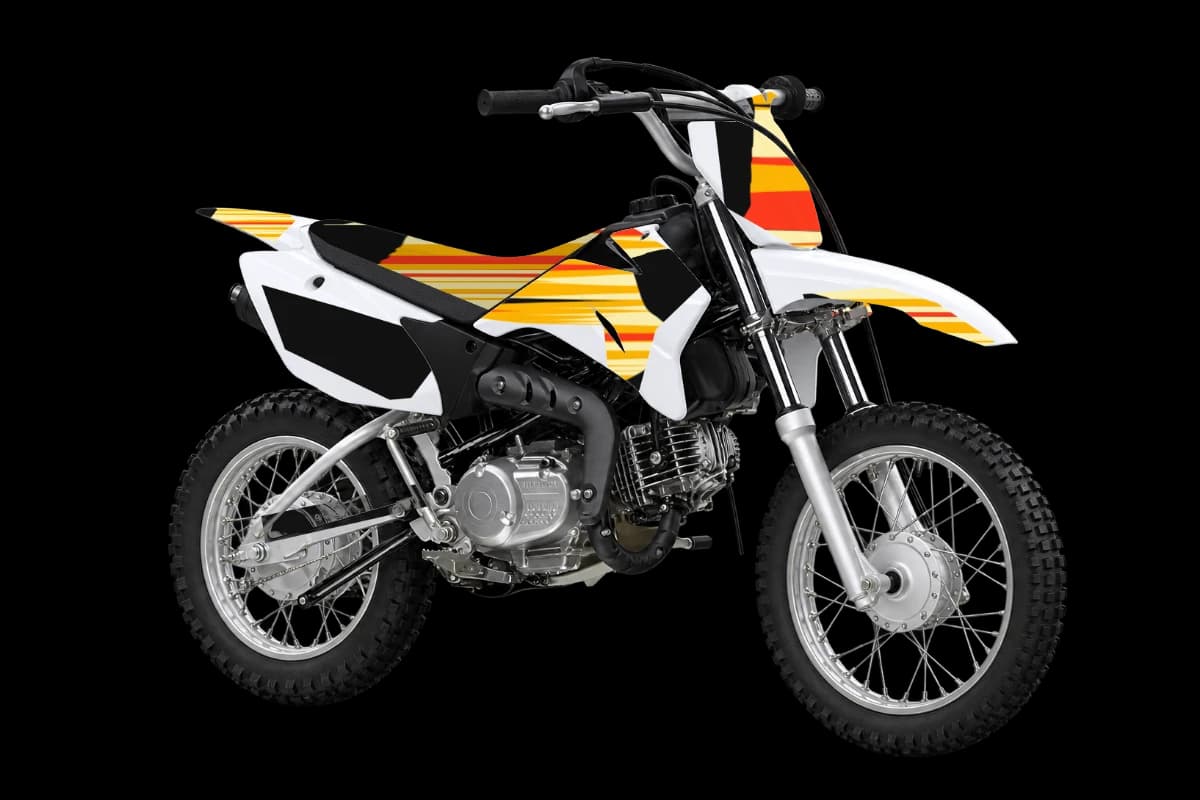
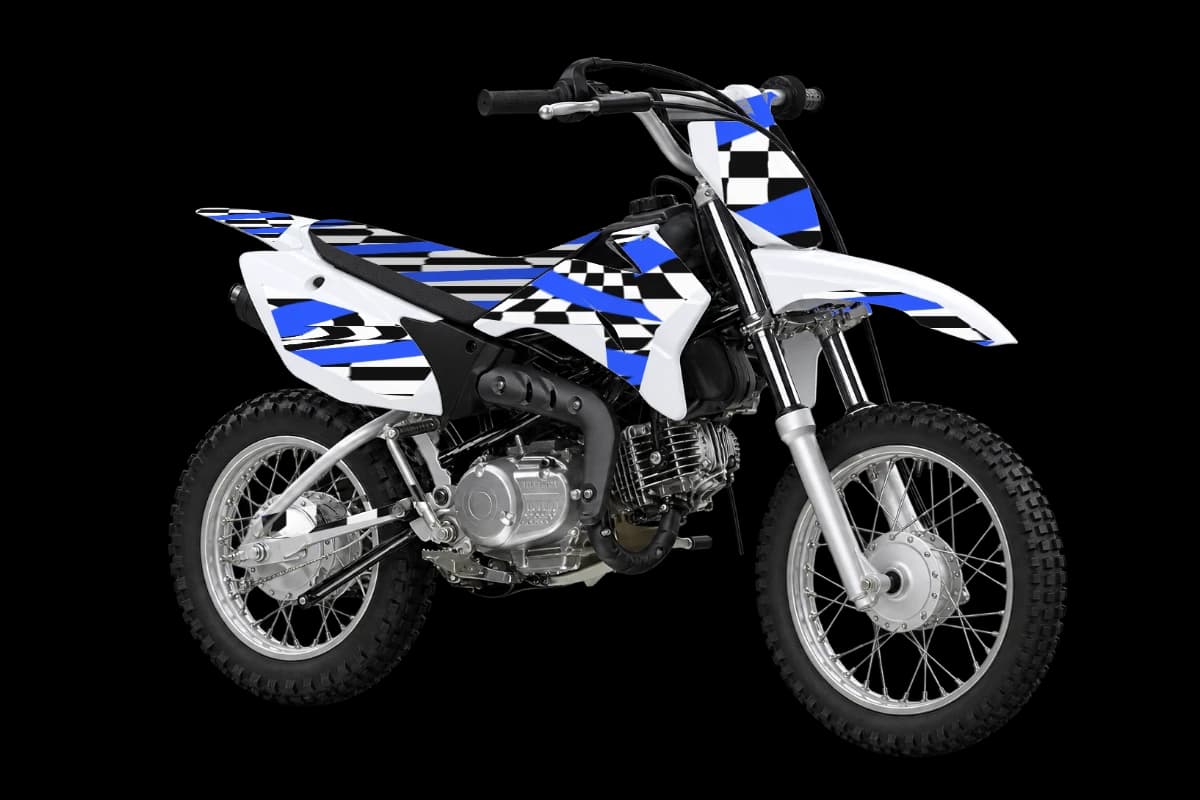
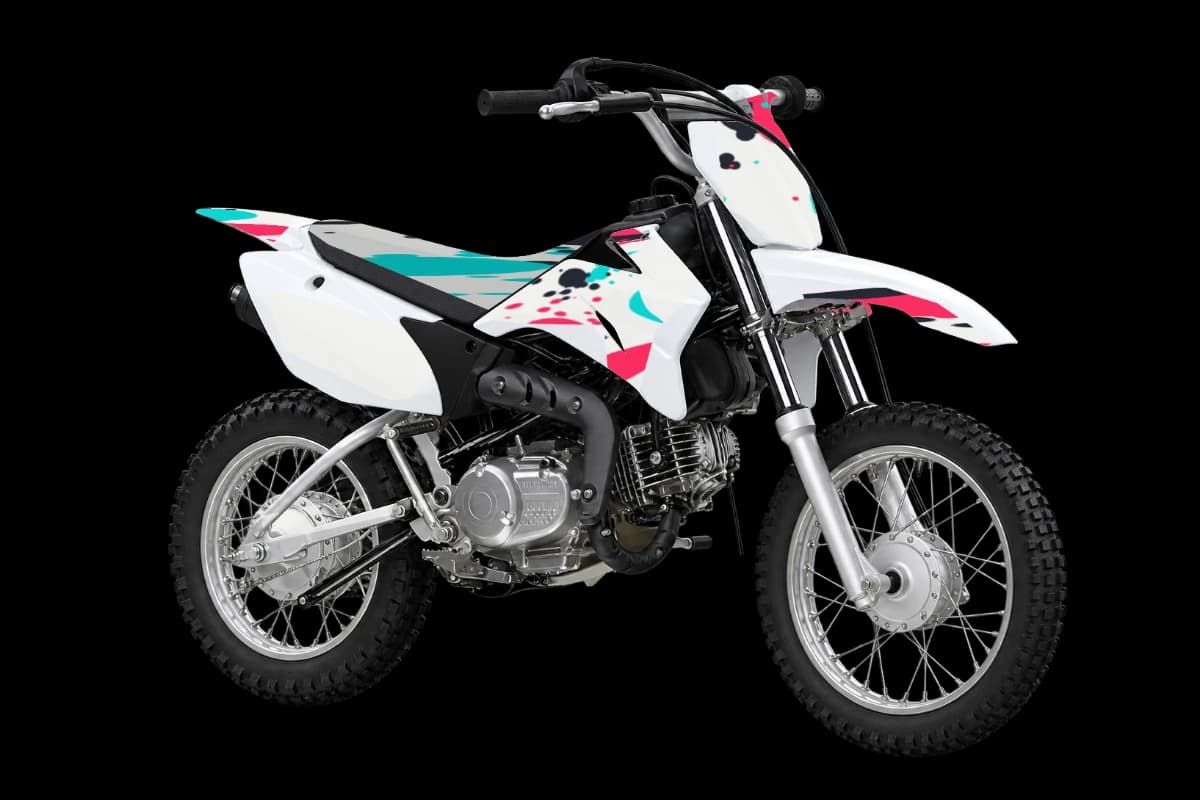
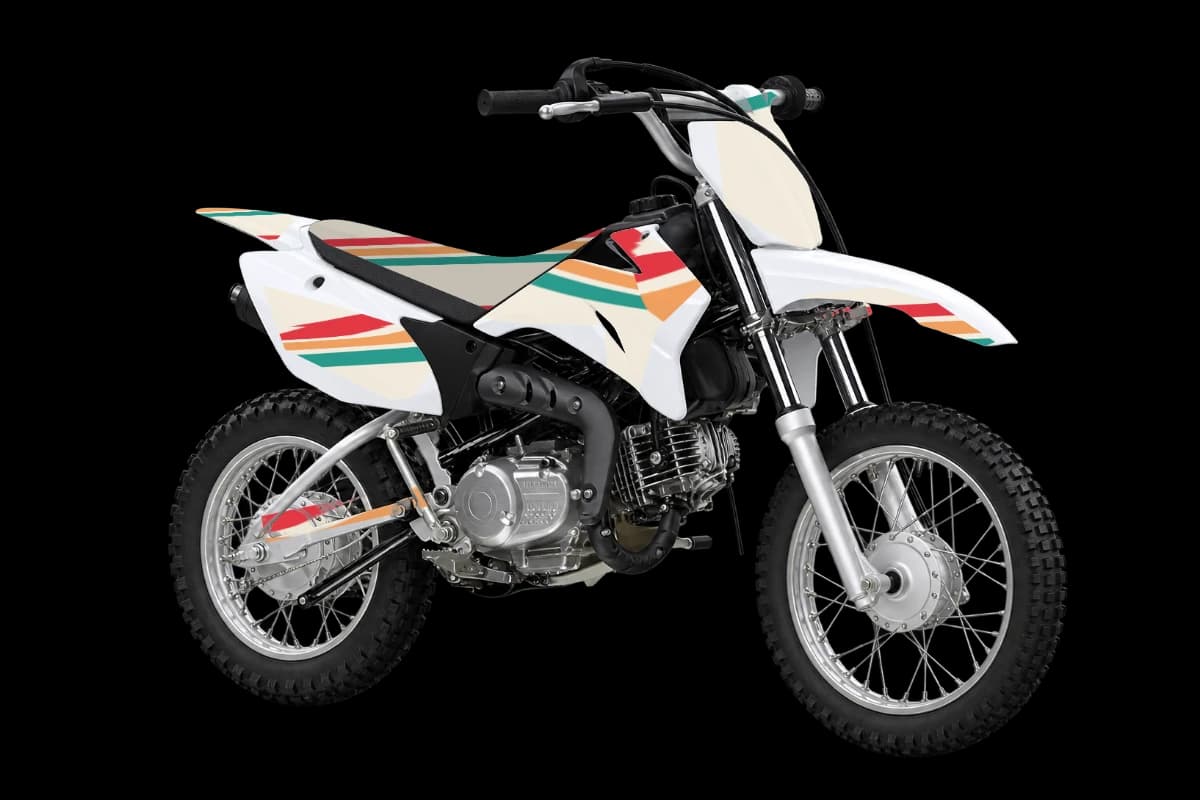
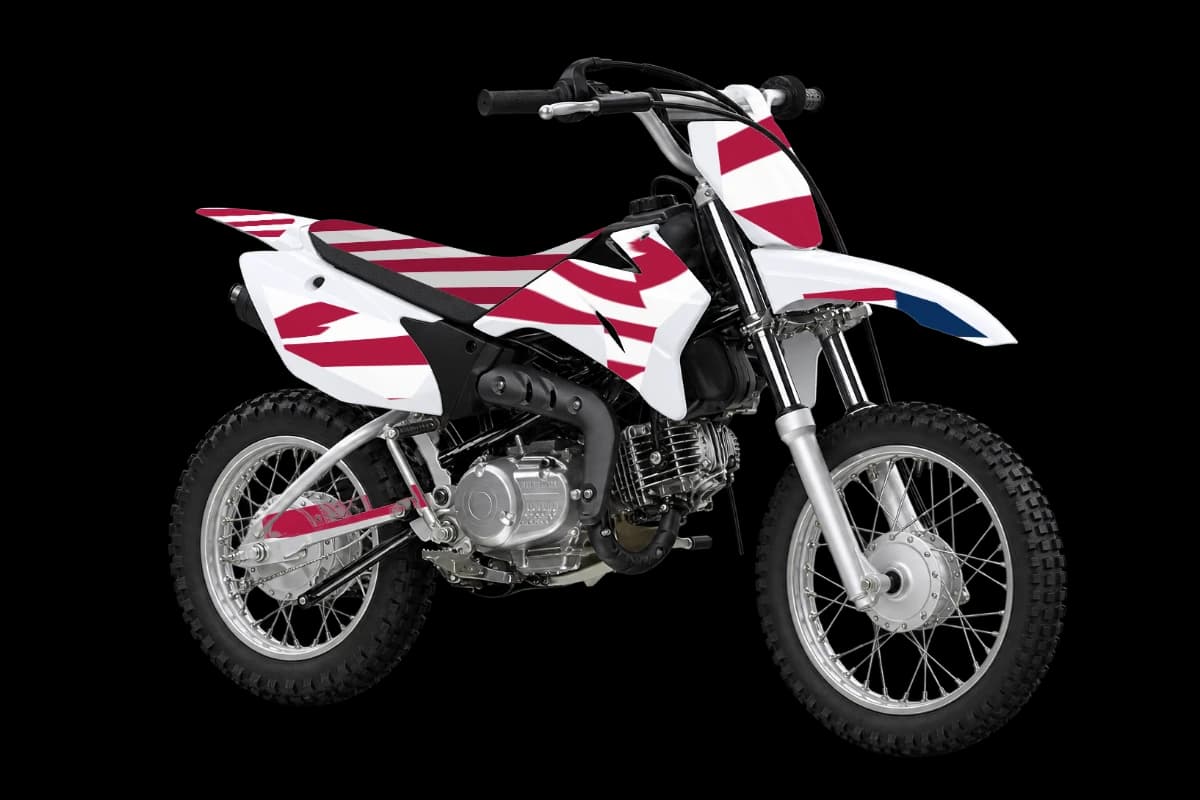
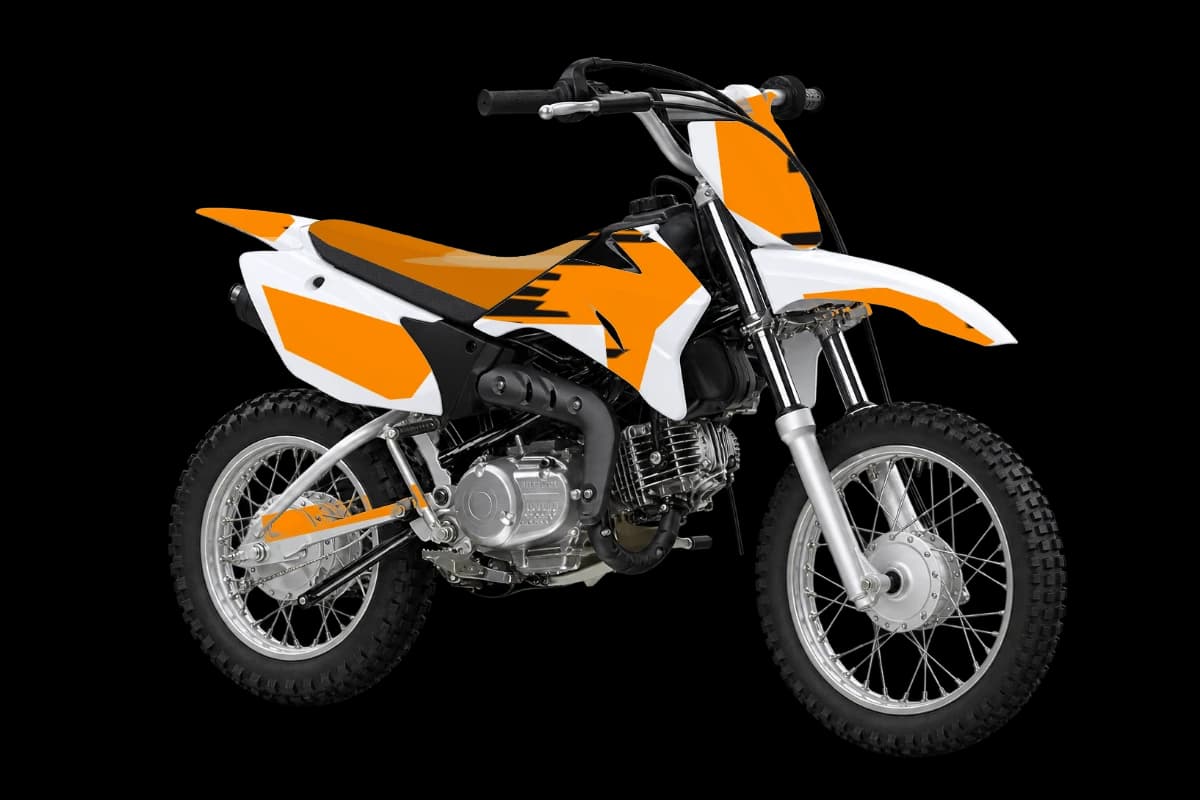
Woodland camo graphics for other bikes
Woodland camo Yamaha TT-R110E graphics FAQ
01Do these woodland camo graphics fit my Yamaha TT-R110E?
The kit is laid out on the Yamaha TT-R110E's panel shapes. Bodywork can change between model years, so ask your printer to match the cut template to your exact year and fitted plastics.
02Can I change the colors of the woodland camo kit on my TT-R110E?
Yes. Recolor the whole design, or paint single parts. Many Yamaha riders keep Yamaha's stock color as the base and use the pattern as an accent.
03Where should the race number go on a TT-R110E?
Keep the main number on a solid contrasting field; inspect its size on the TT-R110E preview before adding smaller lettering.
04Is it free to design camo dirt bike graphics for the Yamaha TT-R110E?
Designing and previewing are free. AI designs and clean HD exports use credits from one-time packs, with no subscription.
05What distinguishes the TT-R110E in this catalogue?
The TT-R110E is the next step in Yamaha's four-stroke mini trail range, with small wheels and straightforward tank-side covers.
Design your woodland camo TT-R110E kit
Pick your bike, design the kit, and only pay for AI designs and HD exports.
Start designing